
Import a library file
If you have downloaded a library from the Wordscope Public Prompt Libraries page or received a library download link from a friend, simply click the link to download the file and save it to your computer.
Once you have downloaded the library file, follow these steps to import it into Wordscope:
1️⃣ In Wordscope they click the ChatGPT button.
2️⃣ They click the Libraries button.
3️⃣ Click Import and choose the downloaded file.
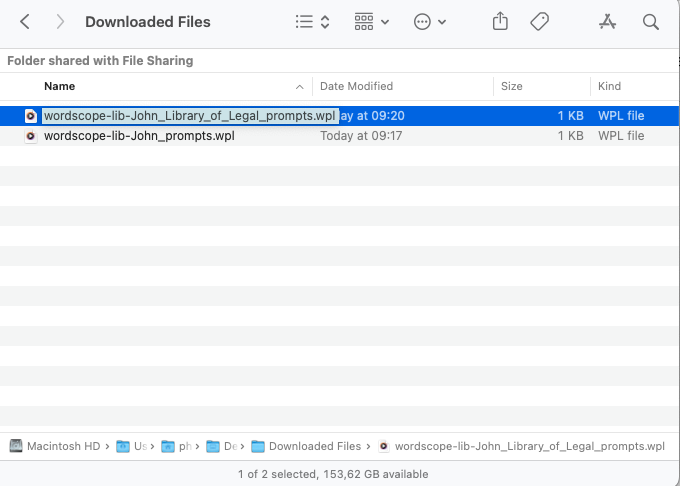
Select the library you want to import
The prompt library has been successfully added to your list of libraries. You can now access the prompts, explore the collection, and discover useful resources to support your work and boost productivity. You can also view the author’s bio and library description to learn more about their expertise and the purpose of the collection.
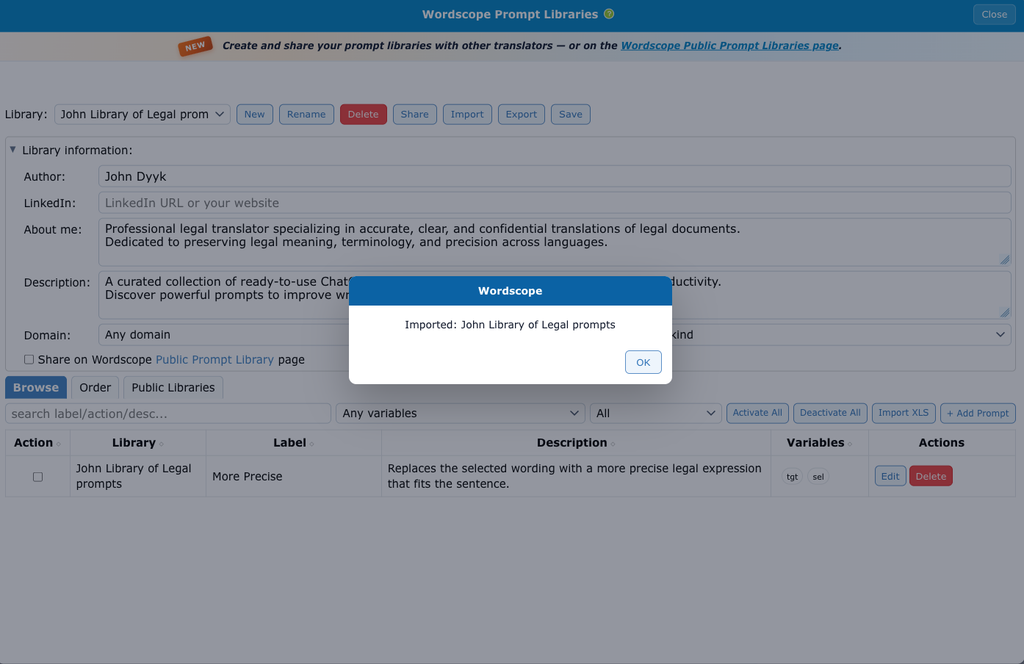
Wordscope is an all-in-one CAT tool, working seamlessly on both Mac and PC, that combines multiple machine translation engines, over a dozen specialized terminology tools, and the robust assistance of ChatGPT for Translators. It provides professional translators with advanced functionalities for translation, definition, rewriting, and much more.
Try now! Log in or sign up to receive a free trial subscription!
Visit pro.wordscope.comTrusted by thousands of professional translators in 40+ countries
Visit pro.wordscope.com to create a translation project.