Antidote spell & grammar checker
If you translate English↔French (or French↔English) and you have an Antidote subscription from Druide informatique, you can use Antidote as your spell and grammar checker inside Wordscope instead of the default Wordscope toolbar.
Antidote is a professional writing-assistance suite for French and English (grammar and style corrector, dictionaries, conjugation, language guides). Wordscope integration lets you run Antidote on the segment you are translating without leaving the editor.
Requirements for using Antidote in WordScope
- You need your own Antidote subscription, ideally registered with the same email address as your Wordscope account. For subscription and account information, visit: https://www.druide.com/en/
- You need to install a browser extension (see below).
Language pair: Antidote in Wordscope is available only for English–French or French–English projects. On other language pairs, the Antidote option is not applicable (Settings shows a hint when the pair is not supported).
Select Antidote in Settings / Options
1️⃣ Open your project in Wordscope.
2️⃣ Open Settings → Options.
3️⃣ Under Spell and Grammar, select Antidote (English-French or French-English only).
4️⃣ Close Settings and reload the page (required for the spellchecker change to take effect).
After reload, Antidote replaces the Wordscope toolbar. You no longer see the default Wordscope Quality toolbar on the target; Antidote’s browser integration takes over checking in the target field.
Install and activate the Antidote Chrome extension
To use Antidote inside Wordscope you must first install the Antidote Connector (Connecteur Antidote) for Chrome, then make sure it is activated (including Live Correction if you use Antidote’s live checking in the page).
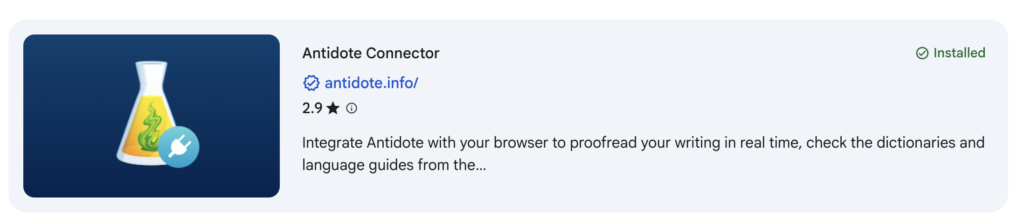
1️⃣ Install the extension from the Chrome Web Store: Antidote.
2️⃣ Pin the Antidote flask icon in Chrome so it stays visible.
3️⃣ Sign in with your Antidote account if prompted.
4️⃣ Open the Antidote Connector menu and ensure the connector / Live Correction is enabled (activated).
5️⃣ Reload Wordscope if needed, then continue translating: Antidote checks apply in the target editor in place of the Wordscope toolbar.
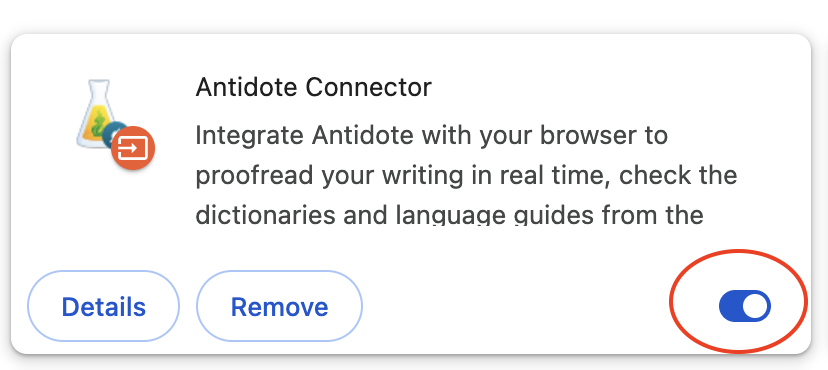
Chrome required for the connector: The Antidote browser connector used with Wordscope is the Chrome extension. Install it, keep it enabled.
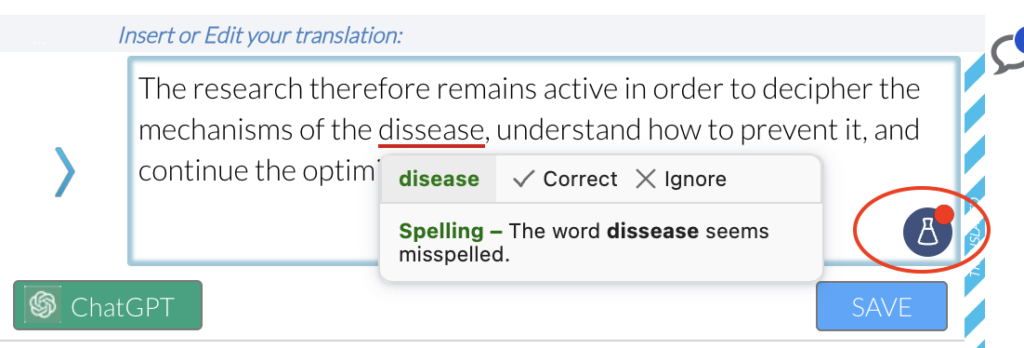
You are now using Antidote
One checker at a time: Antidote and Wordscope spell/grammar cannot run together. Choosing Antidote turns off the Wordscope Quality toolbar for that project option set. Choose Wordscope spell checker and grammar again (then reload) to restore the default toolbar.
Other Browsers
If you prefer using another browser, please note that the extension may be referred to as an “add-on” or a “web extension” depending on the browser.
Here are a few examples:
Opera
Opera users can install chrome extensions
Firefox
Firefox users should install an add-on : https://addons.mozilla.org/en-US/firefox/addon/connecteur-pour-a11/
Safari
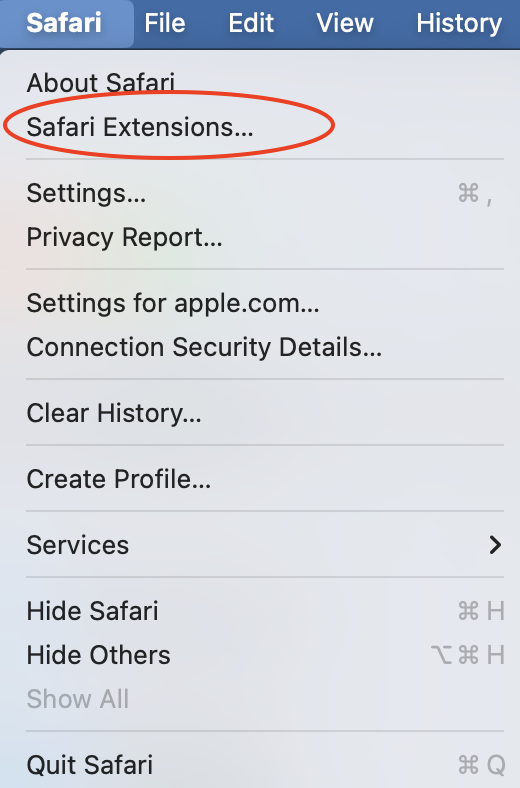
Safari web extensions are available from the App Store. You can access it from the Safari menu:
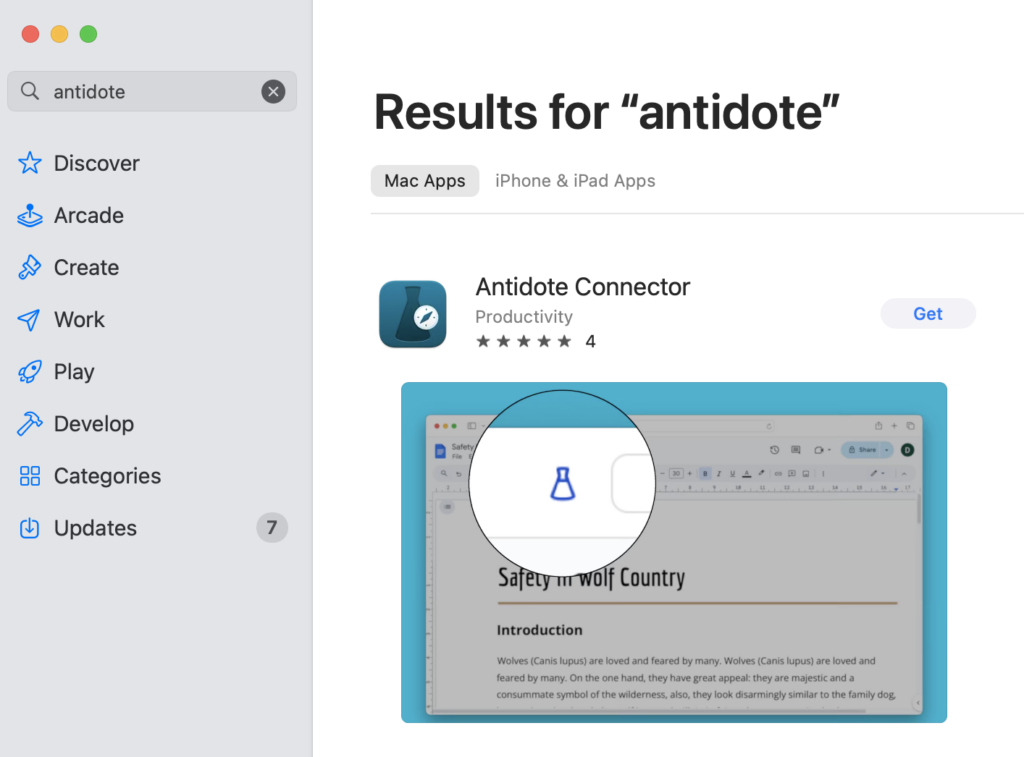
Then search for Antidote and click Get:
Brave
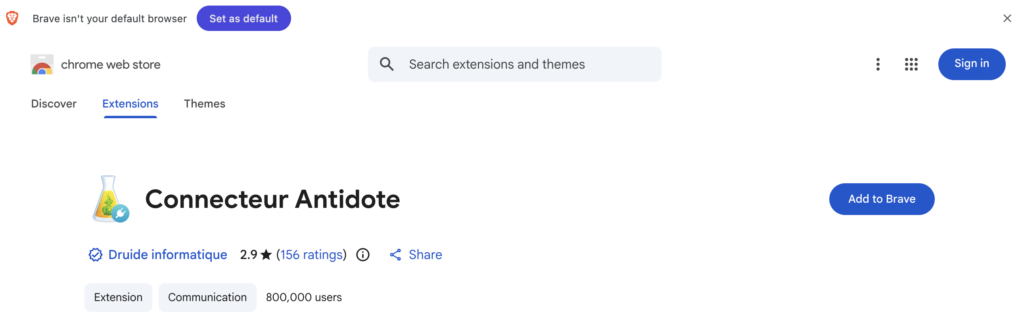
Brave users can install chrome extensions
Wordscope is an all-in-one CAT tool, working seamlessly on both Mac and PC, that combines multiple machine translation engines, over a dozen specialized terminology tools, and the robust assistance of ChatGPT for Translators. It provides professional translators with advanced functionalities for translation, definition, rewriting, and much more.
Try now! Log in or sign up to receive a free trial subscription!
Visit pro.wordscope.comTrusted by thousands of professional translators in 40+ countries
Visit pro.wordscope.com to create a translation project.